Research
Wireframing
User testing
Information architecture
Task flows
UI design
Miro
Optimal workshop
Figma
Client
IoT.nxt
Date
2022
Role
UX / UI Designer
Website
Project overview
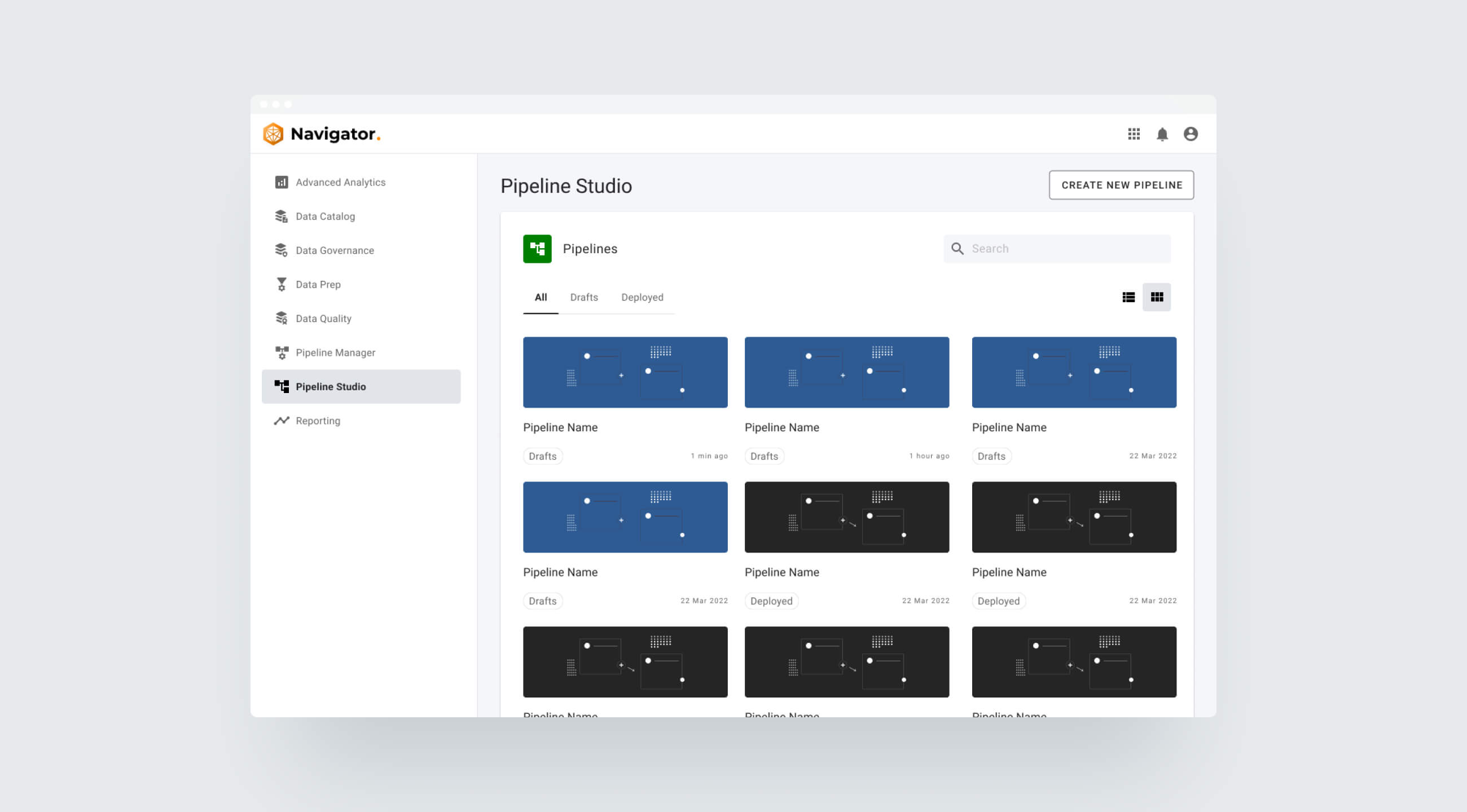
Pipeline Studio is a no-code click-and-drag UI that builds multi-step data pipelines to transform and process data for downstream analytics.
As the exclusive designer responsible for Navigator, I collaborated closely with the developers in the Navigator team to enhance the existing platform. Working under the guidance of my team lead, my responsibilities included conducting research, enhancing user flow, and improving the overall user experience. I actively took part in both conducting and assisting with user testing on the platform as well. I utilized our internal design system to supply UI designs. In some cases, I had to create new assets that aligned seamlessly with the design system, ensuring consistency.
Process
We did user testing on Pipeline Studio in August 2022 along with other apps within Navigator. We tested internally with users that were familiar with the platform and concepts. Our main goal was to determine their understanding of the ecosystem and whether they understand the complexity around data management.
Users were given the following tasks:
Create pipeline project
Edit project name
Create pipeline using nodes
Configure settings for nodes
Download pipeline
Delete all nodes from pipeline
Upload downloaded pipeline
Validate and deploy pipeline
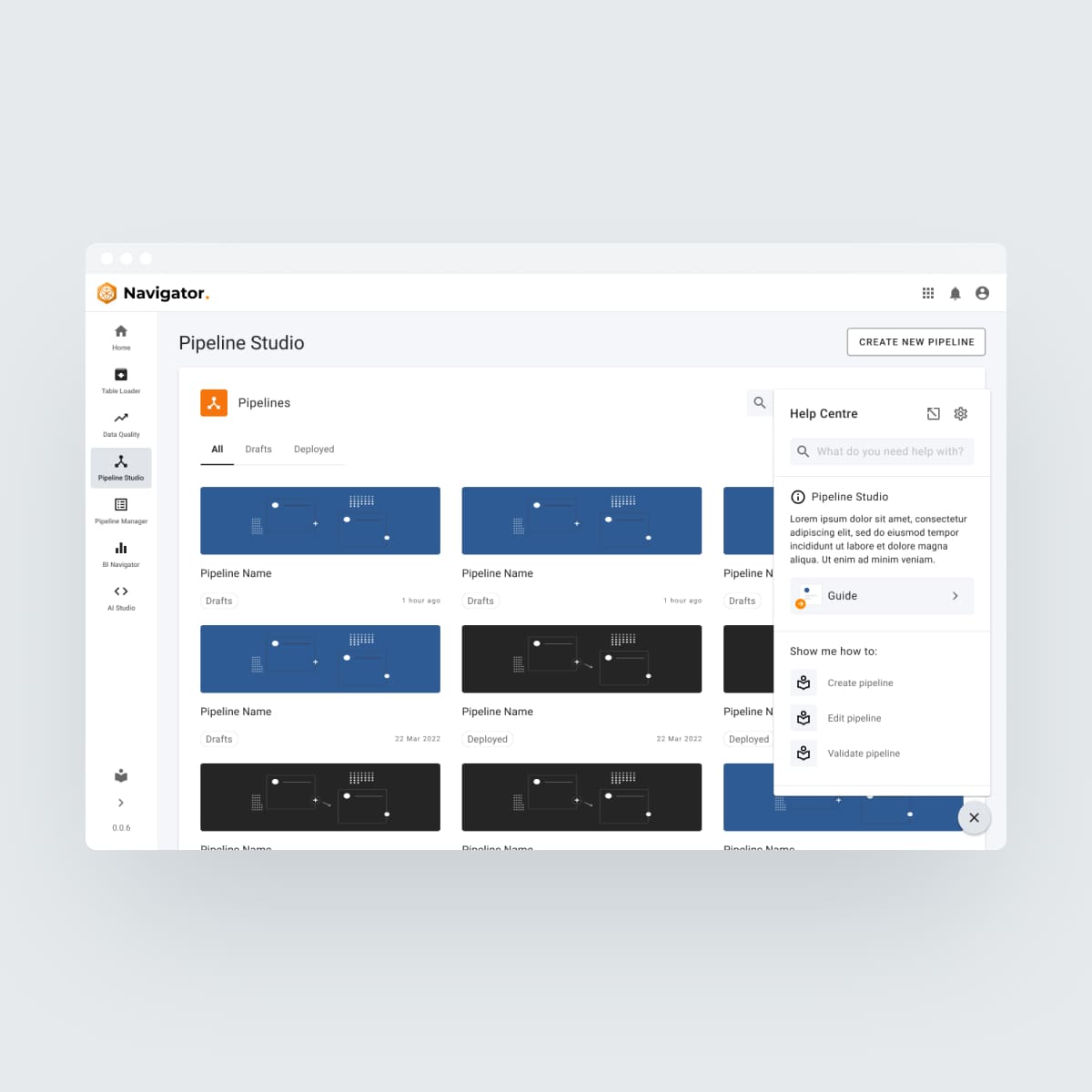
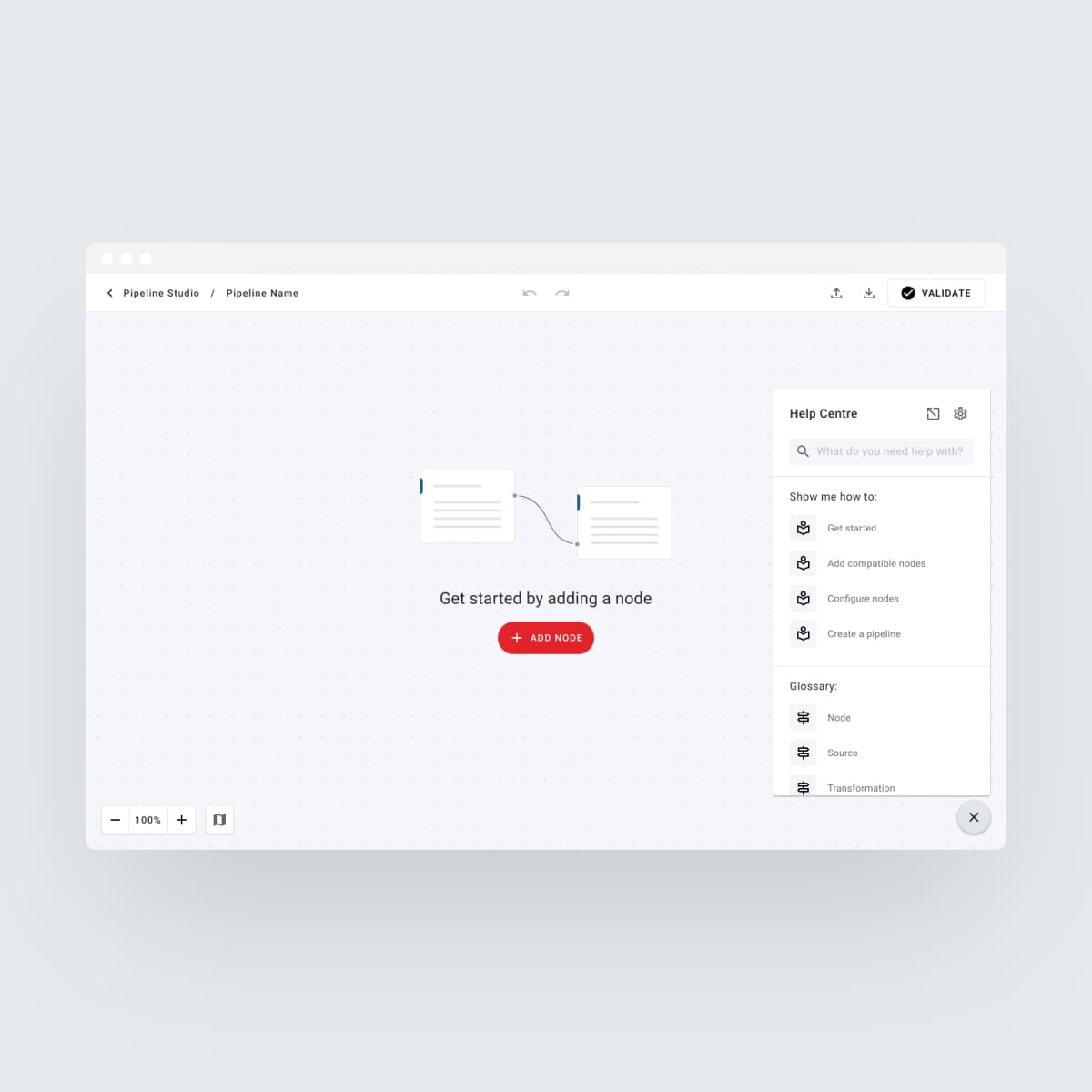
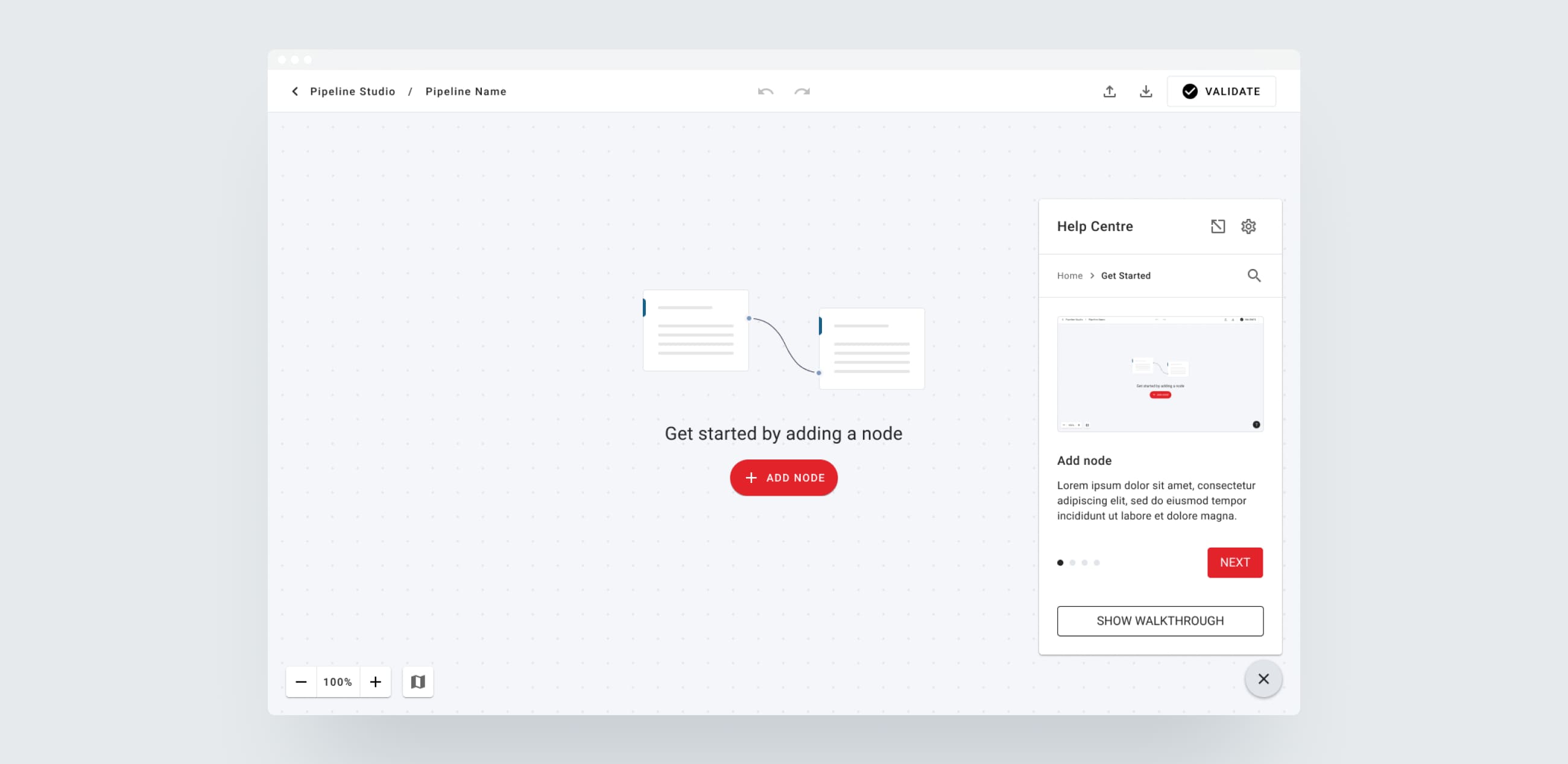
Use of help centre
Pipeline studio performed really well and users found the platform quite intuitive, however they experienced the following issues:
There is no way to select multiple nodes and delete them all at once. Each node has to be deleted individually.
There was a bit of uncertainty around how a pipeline should be built.
In an attempt to try and make these tasks easier for users, the following updates were added to Pipeline Studio:
Added ability to select multiple nodes and after selection, the header changes with actions to copy all nodes as well as delete nodes (shortcuts specific to the OS will appear when hovering over the action icon).
Added a "ghost node" that appears when hovering on add connector icon to show what node should be added next, clicking on node connector opens a menu with a list of compatible nodes that can be connected to complete the pipeline.
*Due to operational changes, we could not do another round of testing to see how the new changes performed.